
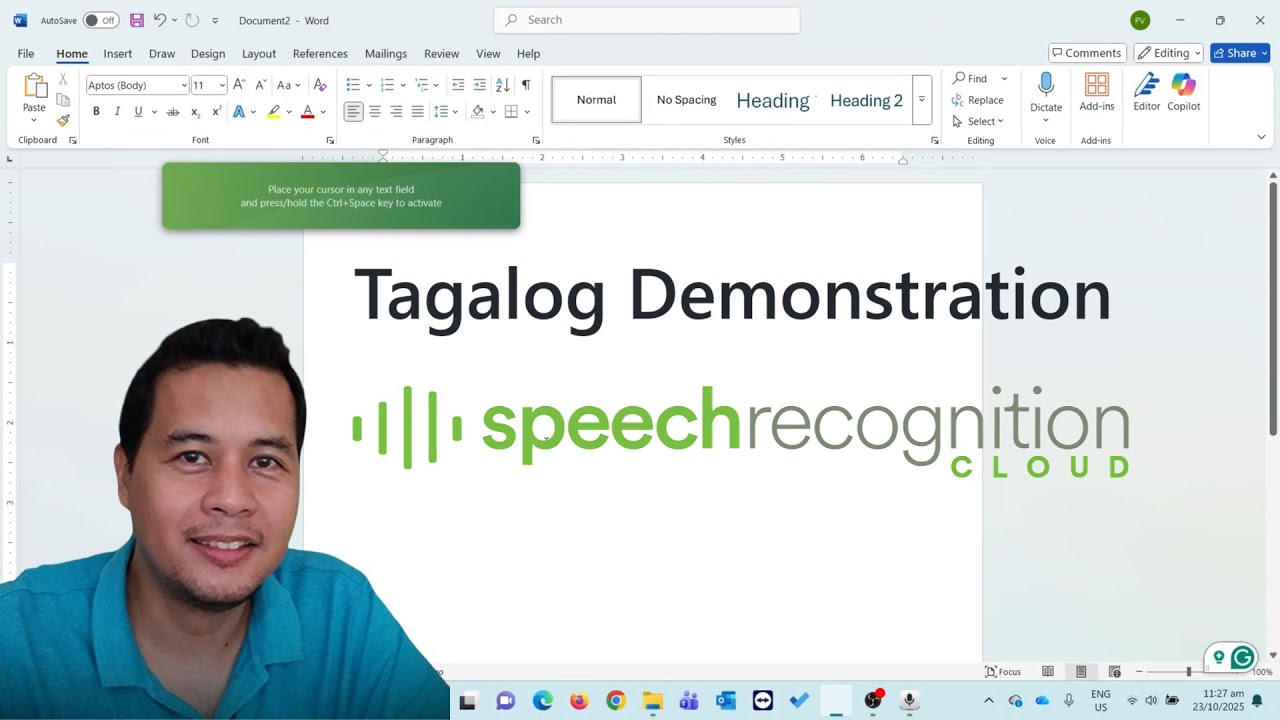
Speech Recognition Cloud supports 57 languages, and Tagalog (Filipino) is one of them. This short demonstration shows the software transcribing spoken Tagalog in real time with automatic punctuation.
Why Tagalog matters
Filipino is one of the most widely spoken languages in Australia outside of English. Whether you are a healthcare worker documenting in your first language, a business professional drafting correspondence, or a student writing assignments, being able to dictate in Tagalog removes a significant barrier.
Speech Recognition Cloud handles Tagalog with the same cloud AI accuracy it brings to English and the other 56 supported languages. No voice training is needed — just select Tagalog from the language settings and start speaking.
How to switch languages
Changing your dictation language is straightforward:
- Open Speech Recognition Cloud
- Go to Settings
- Select Tagalog (Filipino) from the language dropdown
- Start dictating — punctuation is handled automatically
You can switch between languages at any time. There is no need to create separate profiles or retrain the system.
Supported languages
Speech Recognition Cloud currently supports 57 languages on the Free, Personal, and Professional plans. The Medical Ultra tier is English only for now due to the specialised medical vocabulary requirements.
If you are new to Speech Recognition Cloud, start with the getting started guide to download, install, and configure your microphone.
Try it yourself
Tagalog dictation is available on all plans, including the free tier. See the full list of supported languages, or compare plans and pricing and test it with your own voice.
Spoken punctuation works the same way across languages — see the spoken punctuation reference.